My 10 year old product manager
Posted on August 25, 2026
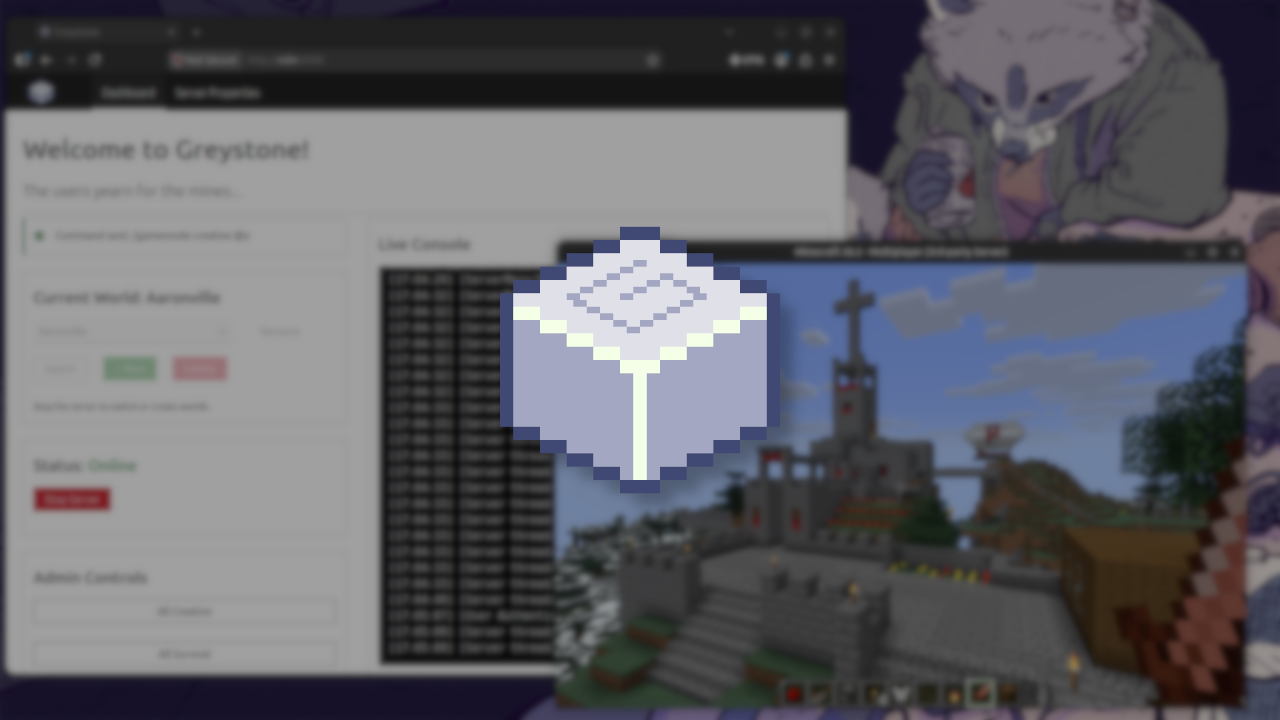
My son Greyson just turned 10 this month. He’s at that fun age where he wants to go beyond just playing games.. now he wants to modify them, expand them, and experiment with everything they can do. Naturally, when he gets the craving to cause voxel based chaos, he asks me to fire up another Minecraft server on my little Ubuntu powered Mac mini server, lovingly named Odin (as shown below).
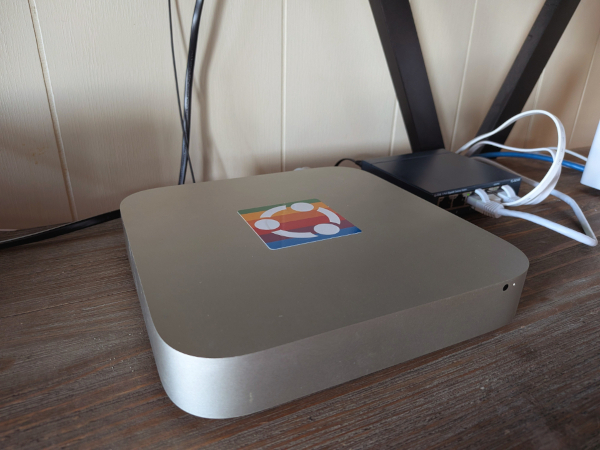
I was just about to start the usual routine of pulling down the latest Minecraft server jar file and rigging up a systemd service when I had a crazy thought.. wouldn’t it be cool if there was a tool for my kiddo to do all this. Sure there are other Minecraft server managers out there, a few of which he and I had used in the past, but each felt a bit overkill and he never felt very comfortable using them. At that moment, I had an even crazier idea.. I would let my son take on the role of a product manager and he was to direct me in creating this perfect tool made just for him. I would do my best with the knowledge and tools at my disposal to translate his vision into a viable product.
We sat down at my desk and drafted up a list of requirements:
- Easy to use - From install to decommission (From day 0 to day 2 as the nerds would say).
- Clear text and descriptions - Avoid highly technical jargon and esoteric terminology.
- Backup and Restore - We have a habit of blowing up worlds via creeper or server negligence.
- “Buttons to do stuff” - Convert some of the common admin console commands into buttons.
- And last and most important.. A cool name.
Given my new set of project priorities, I was off to work. After weighing various options, I opted for a familiar tech stack:
- Python for the brains
- Flask for the web server
- Vanilla CSS (Thank you Canonical colleagues!) to make it pretty
- Snap to package it all up
One block at a time
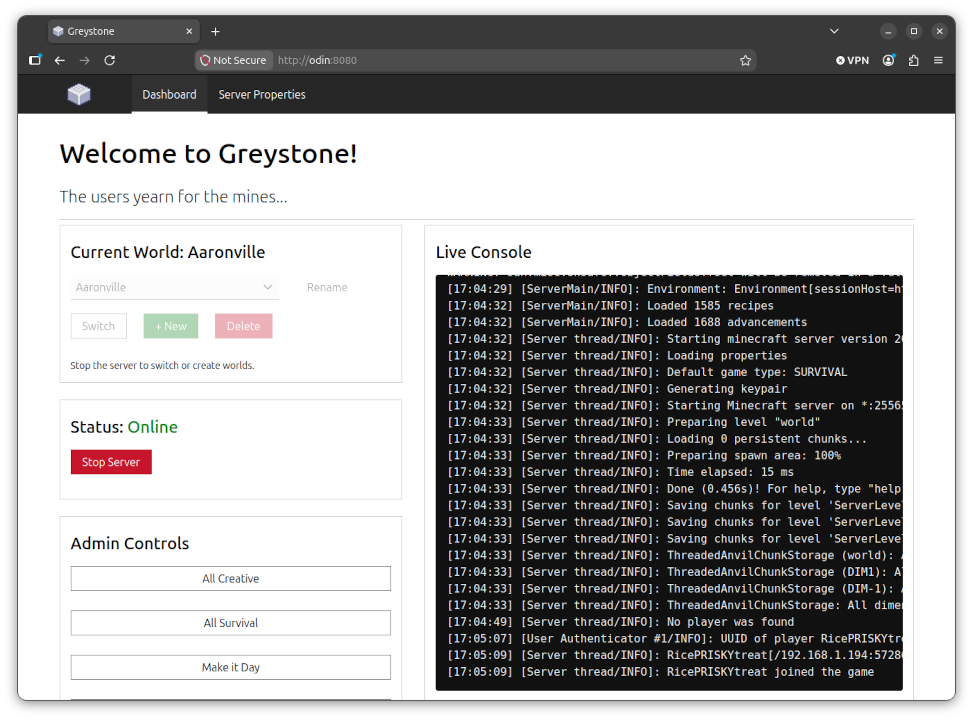
A couple evenings of fumbling around and lots of trial and error, greystone was alive! It could download the latest Minecraft server jar file, launch the server, create a new world, and allow us to join in from the game client. For a console, we opted to go the lite route and have it write the java output to a text file that the dashboard could occasionally pull from. It seemed like that checklist he gave me was already done so I snapped it all up and we installed it onto his workstation. I felt a bit like a junior chef presenting their hastily made dish to Gordon Ramsey.
After a minute or two of clicking and mechanical keyboard clacks, I hear a quiet and slightly apprehensive:
“So.. it’s cool.. but how do I open it?”
Instead of a knee jerk “well it’s a server application, you have to use a web browser” I stopped for a moment. Of course.. This isn’t common knowledge for many adults let alone a kiddo! We take for granted that many users have no idea how these types of web servers work. There was no post install prompt or welcome screen so naturally he would feel a bit lost and his first instinct was a reasonable and enlightening one. I created a desktop launcher for the app menu that opens the greystone URL in a user’s browser. ✅
Trial by friendly fire
Back in business (after a snack break) and my intrepid little PM had his world made and already tested out the backup and restore functions. Everything was going great until..
“I don’t want this old world, how can I delete it?”
“Oh it’s easy you just click the…”
🤦 I forgot to add a function to delete worlds.. What a silly oversight!
Update the code, flask run –debug, snapcraft pack, snap install greystone_1.0.1.snap
“Hey the restore button doesn’t work anymore.”
🤦 I accidentally broke the restore logic while I was adding the delete function.. typical regression..
Fix the regression, flask run –debug, snapcraft pack, snap install greystone_1.0.2.snap
“It’s perfect now! It would be cool if the icon was a grey cube like in the game..”
🤦 He’s right again.. the lazy logo I made in GIMP in about 30 seconds was pretty lame. Plus a lot of people will judge an application by its branding and first impression.
Scrap the old icon, fire up aesprite, realize isometric letters are difficult, update the code, flask run –debug, snapcraft pack, snap install greystone_1.0.3.snap

He fired up the new build, played around for a few hours, made a couple worlds, destroyed a few others. No major issues to report! That same evening, his friend came over to our house and I overheard him showing it off with all its “cool” features and how he and I worked on it together. It was a heart warming and proud parent / subordinate software dev moment!
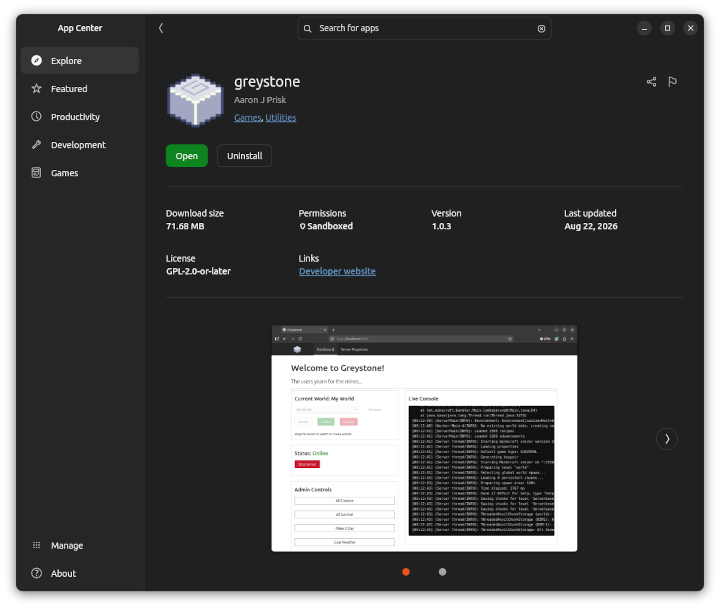
Don’t just take it from him, give it a try yourself! You can now find greystone over on the Ubuntu Snap Store:

Crafting our roadmap
We spent the rest of the weekend installing it on various devices in our house and putting it through its paces. We’ve been brainstorming on how to improve it even more via additional tools for budding server admins and possibly a bedrock specific edition of the utility. Whatever we choose to do, we’re going to make sure we maintain our initial scope, keep our project focused, and most importantly, do it together. :)
Back to school
My son may have started back to school the day of me posting this, but it was I who had to relearn some old and still very important lessons this week:
- Be careful making assumptions about your users. Ensure you’re always questioning your biases and presuppositions.
- Don’t get so carried away fixing a bug that you break other core functionality.
- Just because you CAN add more features doesn’t mean you need to. Embrace the Unix philosophy.
- Computing should be fun! It’s still a pretty magical human activity and is best enjoyed with a buddy.
~
So if you find yourself stuck in a bit of a rut with a project or simply want an idea for a new one, may I suggest you find the nearest 10 year old and make them your product manager!